
Publicités
Mobile gaming exposes smartphones to heavy processing loads, causing devices to heat up quickly. High-quality graphics, fast frame rates, and extended gameplay put significant stress on both the CPU and GPU, which generates heat. Overheating can reduce performance, drain the battery faster, and even cause the phone to shut down unexpectedly.
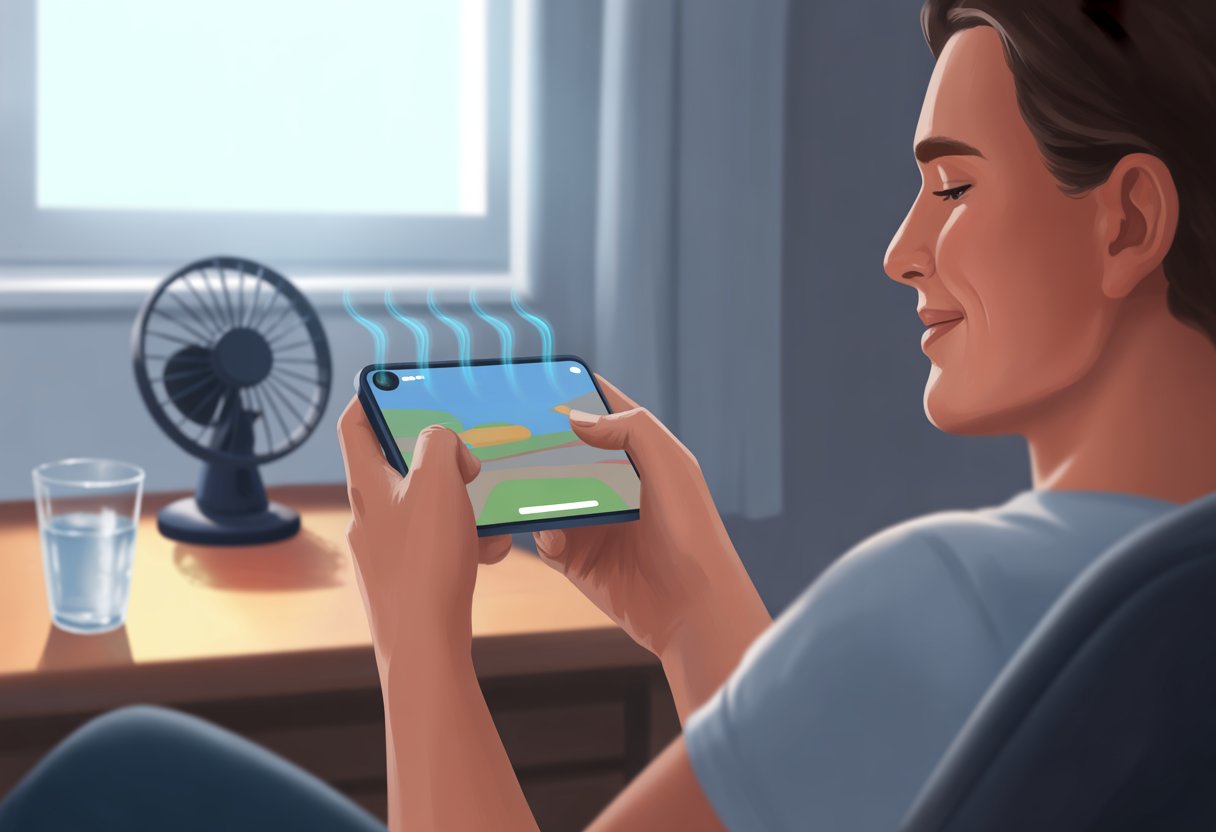
The best way to play mobile games without overheating a phone is to manage the device’s workload by lowering game settings, avoiding gaming while charging, and taking regular breaks. These steps help prevent excessive heat buildup and maintain smoother performance. Simple adjustments to how and when the phone is used during gaming sessions can make a noticeable difference in device temperature.
Understanding why overheating occurs guides effective prevention. Optimizing settings, managing power use, and giving the device time to cool help avoid interruptions caused by heat. This keeps the gaming experience stable and helps protect the phone’s hardware over time.
Understanding Phone Overheating
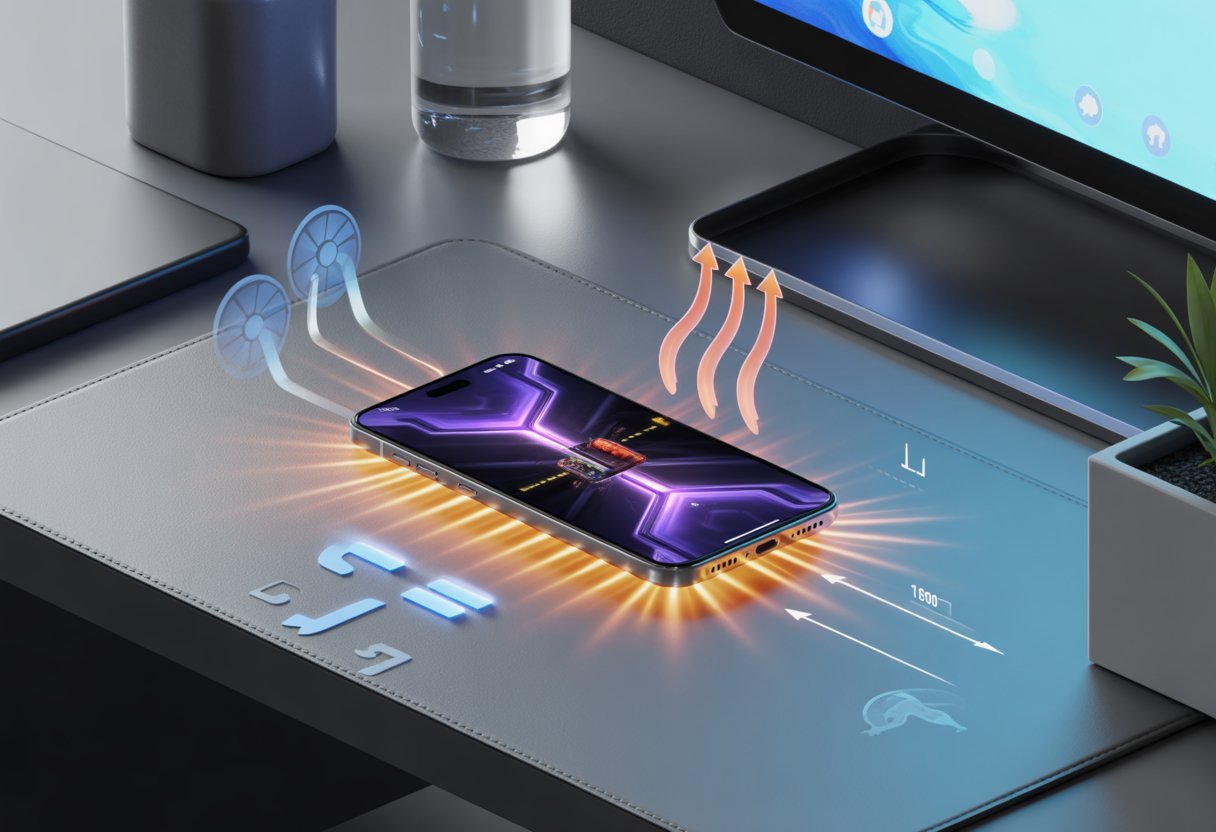
A phone heats up when internal components generate more heat than the device can dissipate. Multiple factors contribute to rising temperatures during mobile gaming, and understanding them helps manage and prevent overheating effectively.
Causes of Device Overheating
Phones overheat mainly due to intense processor and GPU activity. High-performance apps, especially games that use detailed graphics and physics calculations, push these components to work harder, creating excess heat.
Environmental factors also play a role. Using a phone in direct sunlight or a hot room can increase the device’s temperature. Charging the phone while gaming adds more heat, as the battery and processor both generate warmth simultaneously.
Background processes and outdated software can further strain resources, causing higher energy use and heat production. Keeping apps updated and closing unused apps reduces this load.
How Mobile Games Affect Temperature
Mobile games demand a lot from the phone’s CPU and GPU, especially those with 3D graphics or high frame rates. Running these games for extended periods continuously heats the internal hardware.
Games set to maximum graphics settings force the phone to render complex visuals, increasing processor workload. The longer and more intense the gameplay session, the more heat accumulates inside the device.
Network activity, such as online multiplayer features, also slightly increases hardware stress. Combining factors like high graphics, constant processing, and network use makes managing temperature critical during gaming.
Risks Associated With Excessive Heat
Excessive heat negatively impacts device performance and hardware longevity. Overheating can cause the phone to throttle its processor speed, resulting in lag and slower response times during games.
It also drains battery life faster and may shorten overall battery health. In extreme cases, severe heat can cause the phone to shut down automatically to prevent damage.
Prolonged exposure to high temperatures risks damaging sensitive internal components, which can lead to permanent hardware failure or reduced lifespan of the device. Preventing overheating is essential for maintaining smooth gameplay and device health.
Best Practices for Gaming Without Overheating

Managing phone temperature during gaming involves controlling in-game settings, environmental factors, gameplay duration, and device software. These elements work together to maintain performance and prolong device health.
Adjusting in-Game Graphics Settings
Lowering graphics quality reduces the phone’s workload and heat generation. Players should decrease resolution, turn off high frame rates, and disable advanced effects like shadows or reflections.
Reducing these settings lessens processor and GPU stress. Many games offer options to cap frame rates, which significantly cuts heat buildup without severely impacting gameplay.
Using battery saver modes or built-in performance settings can also force the device to run cooler by limiting background tasks and resource use.
Playing in Cool Environments
Ambient temperature directly affects phone heat levels. Gaming in cooler, well-ventilated areas helps dissipate heat faster.
Avoid playing under direct sunlight or in enclosed spaces where airflow is restricted. Holding the phone loosely rather than gripping it tightly can also improve heat dissipation.
Using external cooling aids like fans or cooling pads can be beneficial during long sessions, especially in warmer climates or seasons.
Limiting Continuous Play Sessions
Extended periods of gaming push the device to generate excess heat. Taking breaks every 30 to 60 minutes allows the phone to cool down.
Short pauses improve performance and reduce the risk of thermal throttling, which lowers processor speed to prevent damage.
Players should avoid gaming while charging, as charging creates additional heat and strains the battery, compounding overheating risks.
Optimizing Device Software
Keeping the phone’s software updated ensures efficient resource management and better thermal control. Manufacturers often release patches that improve performance and heat handling.
Closing unnecessary apps before gaming frees up CPU and RAM, reducing background heat generation.
Enabling built-in “game mode” features prioritizes game processes while limiting other tasks, optimizing power usage and minimizing heat.
Effective Cooling Strategies
Maintaining a cool device during mobile gaming requires a combination of physical adjustments and mindful habits. Careful management of external factors and power use can significantly reduce heat buildup.
Using External Cooling Accessories
External cooling accessories help dissipate heat more efficiently than the phone’s built-in systems. Devices such as clip-on fans, cooling pads, or mini heat sinks actively increase airflow around the phone. These tools work by drawing heat away from the device’s body, preventing thermal throttling and performance drops.
Some gaming-specific accessories also feature adjustable airflow speeds and USB-powered operation, making them convenient for extended sessions. However, users should ensure the cooling device fits securely without obstructing gameplay or ports. Choosing accessories compatible with the phone’s size and shape optimizes heat dissipation.
Removing Phone Cases During Play
Protective phone cases often trap heat, limiting ventilation and causing temperature spikes. Removing the case during gaming helps expose the phone’s surface to open air, improving heat loss.
Cases made of thick or insulating materials such as rubber or leather exacerbate overheating risks. Lightweight or ventilated cases are better but may still impede cooling compared to no case at all.
For intense or prolonged gaming sessions, temporarily removing the case reduces thermal buildup without risking damage to the device during short play periods.
Proper Charging Habits While Gaming
Gaming while charging increases heat generation due to combined power draw and charging heat output. Avoiding this practice reduces excess thermal stress on the device’s battery and processor.
If gaming during charging is necessary, using a charger with appropriate wattage and avoiding fast chargers can moderate temperature increases. Positioning the phone on a hard, flat surface while charging prevents heat trapping compared to soft or insulating surfaces like beds or couches.
Taking breaks and unplugging during long sessions further reduces overheating risks related to continuous high power consumption.
Long-Term Maintenance for Reduced Heat
Proper maintenance helps prevent excessive heat buildup during gaming. Keeping software up to date, monitoring battery health, and regular cleaning are key steps to ensure the device remains cool over time.
Updating and Managing Apps
Keeping apps updated ensures games and system software run efficiently. Developers often release patches that optimize performance and reduce resource use, which lowers heat generation.
Closing unused apps during gaming limits background activity. Running multiple apps simultaneously increases CPU load and battery usage, causing the device to heat up faster.
Uninstalling rarely used apps saves storage and reduces background processes. Managing app permissions also prevents unnecessary data syncing, which can strain the processor.
Monitoring Battery Health
Battery condition significantly affects heat levels during gaming. A degraded battery may overheat more easily due to increased internal resistance.
Checking battery health through system diagnostics or specialized apps can reveal charging efficiency and capacity. If the battery is aging or swollen, replacing it can prevent overheating and improve safety.
Avoiding fast chargers not designed for the phone can reduce heat buildup. Charging habits like not gaming while charging help maintain battery health and prevent excessive heat from dual stress.
Periodic Device Cleaning
Dust and dirt inside vents and ports block airflow, reducing heat dissipation. Regularly cleaning these areas improves cooling efficiency.
Using compressed air to remove debris from speakers, microphones, and charging ports helps maintain proper airflow. Wiping the device exterior prevents buildup that traps heat.
Opening the case for internal cleaning should be done by professionals to avoid damage. Keeping the device free from obstructions enhances its cooling system longevity and stability.