
Advertisements
Improving aim in mobile FPS games requires focused practice and understanding key mechanics like crosshair placement, recoil control, and reaction time. Players who develop consistent aiming habits and adopt proper settings can see significant improvement in accuracy and gameplay performance.
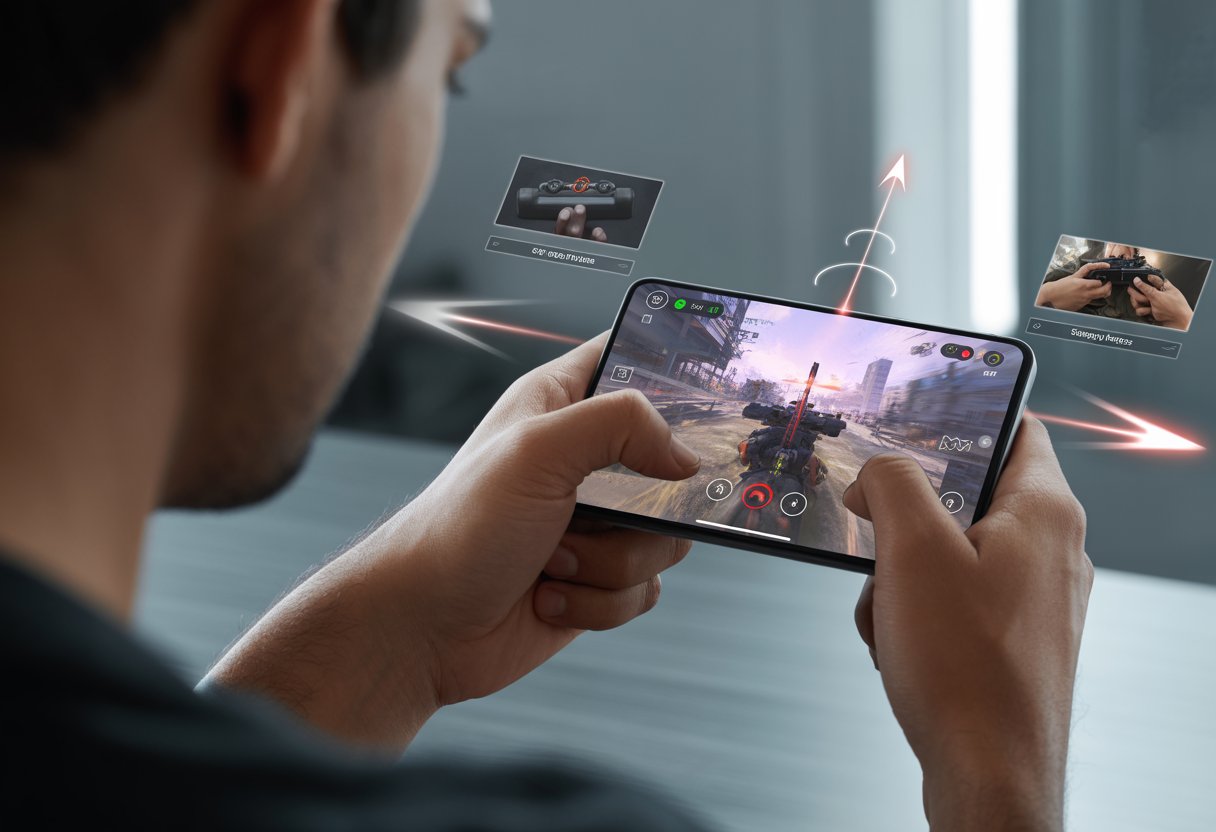
The most effective way to improve aim is through regular training with aim drills and using aim trainer apps designed specifically for mobile devices. These tools help refine hand-eye coordination and muscle memory, which are essential for precision in fast-paced matches.
Mastering aim also involves optimizing game settings and learning to manage in-game factors such as spray patterns and movement. Combining these techniques with dedicated practice allows players to steadily elevate their skill level and compete more effectively.
Mastering Mobile FPS Controls
Precision in mobile FPS games depends heavily on how a player sets up and uses the controls. Effective aiming requires a balance between comfort, speed, and accuracy, which comes from fine-tuning key settings and features.
Customizing Control Layout
Adjusting the control layout lets players place buttons and joysticks where their fingers naturally rest. This customization reduces finger travel time and prevents missed actions during fast gameplay. Many games offer drag-and-drop interfaces for moving shoot, fire, and movement buttons.
Players should focus on positioning important buttons like fire, aim down sights (ADS), and reload within easy reach. Some prefer smaller, less intrusive buttons to maximize screen space and visibility, especially for aiming. Testing different layouts in practice modes helps find what feels most intuitive and responsive.
Optimizing Sensitivity Settings
Sensitivity affects how fast the crosshair moves relative to finger movement. Players must find a balance between low sensitivity for precise aiming and high sensitivity for quick turning.
Common advice is to reduce horizontal sensitivity slightly to improve accuracy, while setting vertical sensitivity so adjustments feel comfortable. Using different sensitivity for normal and ADS aiming helps control fine shots. Many pros recommend starting with mid-range settings and gradually adjusting based on performance.
Sensitivity can be divided into:
| Setting | Function |
|---|---|
| General Sensitivity | Controls regular aiming speed |
| ADS Sensitivity | Controls aiming when scoped in |
| Gyroscope Sensitivity | Controls motion-based aiming |
Utilizing Gyroscope Features
Gyroscope aiming uses device tilting for additional control beyond the touchscreen. This feature enhances precision by allowing subtle aim adjustments with physical movements.
Players can enable the gyroscope and calibrate sensitivity to suit their natural hand motion. Gyroscope is most useful in situations requiring small corrections, such as tracking moving targets or lining up headshots. Combining traditional touch input with gyroscope improves overall control and aiming smoothness.
It takes time to coordinate touch and motion controls, but consistent practice results in improved accuracy and response speed.
Improving Accuracy and Reflexes
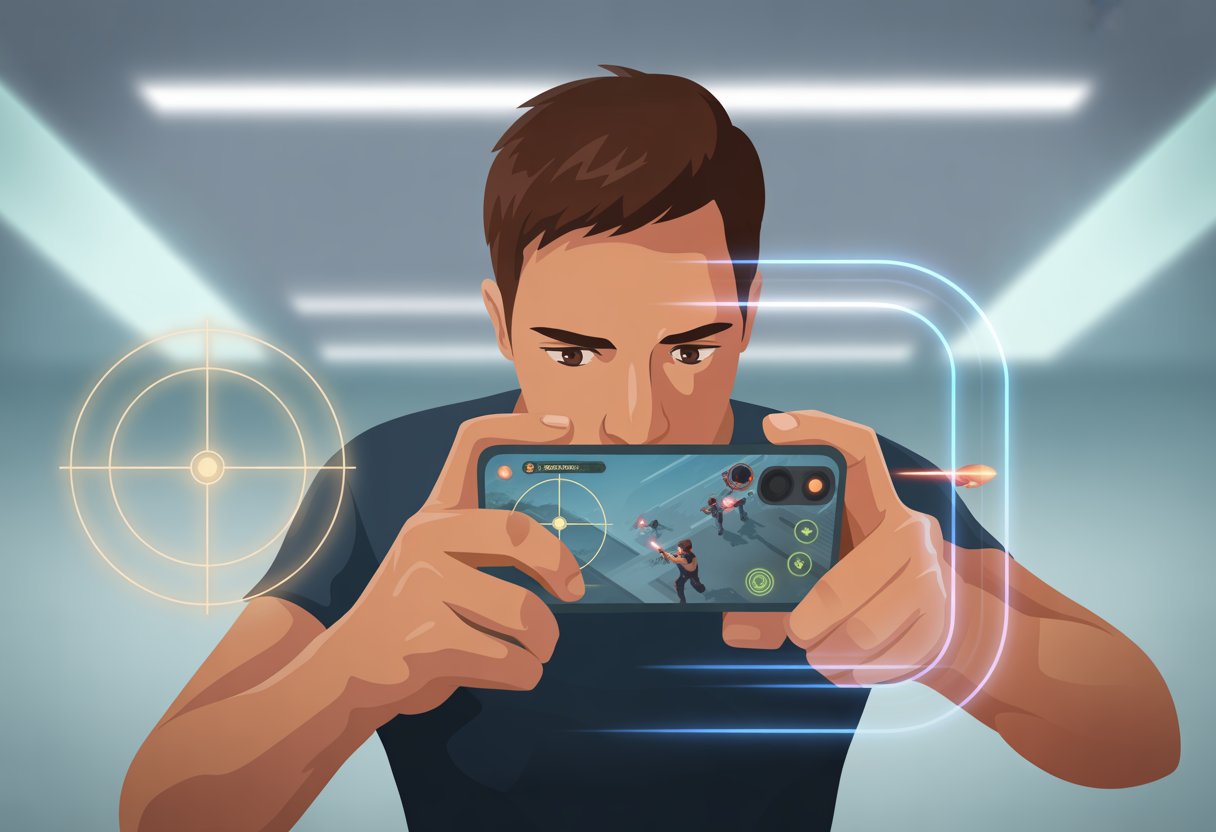
Improving accuracy and reflexes requires targeted practice, muscle memory development, and control over in-game mechanics. Adjusting settings and using specific training routines can help sharpen precision and reaction time in mobile FPS games.
Practicing Target Tracking
Target tracking trains the ability to follow moving enemies smoothly and precisely. Players should practice maintaining crosshairs on targets as they move unpredictably. This can be done in aim trainers or specific game modes with moving bots.
Consistent practice with sensitivity settings that match individual comfort improves smoothness. Lower sensitivity may help with precision but can reduce reaction speed. Players should find a balance that allows steady tracking without sacrificing responsiveness.
Using a rhythm or small, controlled micro-adjustments rather than large mouse or finger movements enhances control. Visual focus on the target's center helps maintain accuracy during rapid movements or changes in direction.
Perfecting Aim with Drills
Drills focus on reinforcing muscle memory and consistency. Regular sessions of short bursts where players snap aim at targets improve reaction time and accuracy under pressure.
Common drills include flick shots, micro-adjustments, and snap aiming between multiple targets. These exercises should be repeated daily with increasing difficulty to strengthen neural pathways related to aiming.
Tracking progress with tools like online aim trainers or game stats allows players to identify weaknesses. Deliberate practice targeting these areas leads to measurable improvements in real gameplay.
Managing Recoil Effectively
Recoil affects accuracy and can disrupt aim if not controlled properly. Players need to learn recoil patterns for each weapon and adjust their aim to compensate.
Practicing recoil control involves pulling the aiming reticle in the opposite direction of the recoil during sustained fire. This reduces bullet spread and maintains target alignment.
In mobile FPS games, adjusting sensitivity settings for vertical and horizontal recoil separately can enhance control. Players should train in controlled environments to develop consistency in recoil management before competitive play.
Developing Advanced Aim Strategies
Mastering advanced aiming requires precision in positioning, weapon familiarity, and movement control. Successful players optimize their aim by focusing on where to place their crosshair, adjusting techniques based on weapon characteristics, and using motion to gain targeting advantages.
Understanding Crosshair Placement
Crosshair placement is about anticipating enemy locations and minimizing the need for large mouse or finger movements. Skilled players keep their crosshair aligned with common enemy hotspots such as doorways, corners, and narrow pathways.
The goal is to keep the crosshair at head or chest level while moving, which reduces the distance needed to aim when an enemy appears. This habit improves reaction time and shot accuracy because small adjustments are faster and more consistent than wide, erratic movements.
Practicing this involves consciously resetting the crosshair after every engagement to a neutral, threat-ready position. This technique lowers the chance of missing fast targets and increases overall hit rates.
Adapting to Different Weapons
Every weapon in mobile FPS games has unique recoil, fire rate, and damage profiles that affect aiming style. Players must adjust sensitivity and aiming habits to suit these differences.
For example, short-range shotguns require quick, close-up target acquisition, while assault rifles benefit from controlled bursts and consistent tracking. Sniper rifles demand patience, deliberate lineups, and steady aim to hit distant targets.
Players should experiment with each weapon to understand recoil patterns and effective engagement distances. Customizing sensitivity settings per weapon type can also improve control. This adjustment allows smoother tracking and better accuracy according to the weapon's behavior.
Leveraging Movement for Better Aim
Movement influences both defensive positioning and aiming efficiency. Skilled players use crouching, strafing, and jumping strategically to confuse opponents without sacrificing aim precision.
Combining movement with steady aiming helps players dodge incoming fire while maintaining crosshair focus on targets. For instance, strafing side-to-side while keeping the crosshair aligned with the opponent's position improves hit probability.
Using gyroscope or touch controls to fine-tune aim during movement enhances this advantage. Players should practice syncing their physical movement inputs with precise aim corrections, creating a fluid and adaptive playstyle that counters aggressive enemies effectively.
Enhancing Performance with Tools and Environment
Improving aim in mobile FPS games depends heavily on both the device's setup and the player's physical environment. Precise control begins with fine-tuned device settings, complemented by the right external gear. Minimizing distractions on the screen helps maintain focus during intense gameplay.
Optimizing Device Settings
Adjusting device settings is crucial for smoother gameplay and faster response times. Players should start by increasing the touch sensitivity to allow quicker aiming adjustments without sacrificing control.
Disabling any unnecessary background apps or notifications prevents lag and interruptions in game performance. Screen brightness and color calibration also play a role; balanced brightness reduces eye strain while accurate colors improve target visibility.
Enabling game-specific performance modes, when available, helps prioritize resources to reduce input delay and frame drops. Additionally, setting a fixed frame rate can stabilize the visual experience, making aiming more predictable and consistent.
Selecting the Right Accessories
Physical enhancements can notably improve aiming precision on mobile devices. A quality gaming controller or attachable thumbsticks provide tactile feedback that is harder to achieve with touchscreen controls alone.
Using a mobile gaming glove or finger sleeves reduces friction, allowing smoother finger movement and less sweaty slippage. Players often benefit from a stable phone stand or mount, keeping the device steady and reducing hand fatigue during longer sessions.
High-quality earbuds or headphones with low latency can improve situational awareness, indirectly supporting aim by helping players better track sounds and react faster to enemy movements.
Reducing Screen Clutter
Cluttered screens disrupt concentration and slow reaction times. Players should customize their HUD to minimize unnecessary icons and controls, placing only crucial elements within easy reach.
Turning off chat feeds, in-game tips, and other visual distractions helps maintain focus on the core gameplay area. Using transparent or smaller UI elements can retain functionality without overwhelming the screen.
Adjusting the crosshair to a distinct color visible against all backgrounds aids in quick target acquisition. These steps combine to create a cleaner visual field and a more efficient aiming experience.